01
Structure
Concrete and steel frames, analytical models, links with calculation and construction drawings.
- Revit
- Robot
- Dynamo
From digital models to the automation of your workflows, we help building professionals produce, coordinate and make the most of their projects.
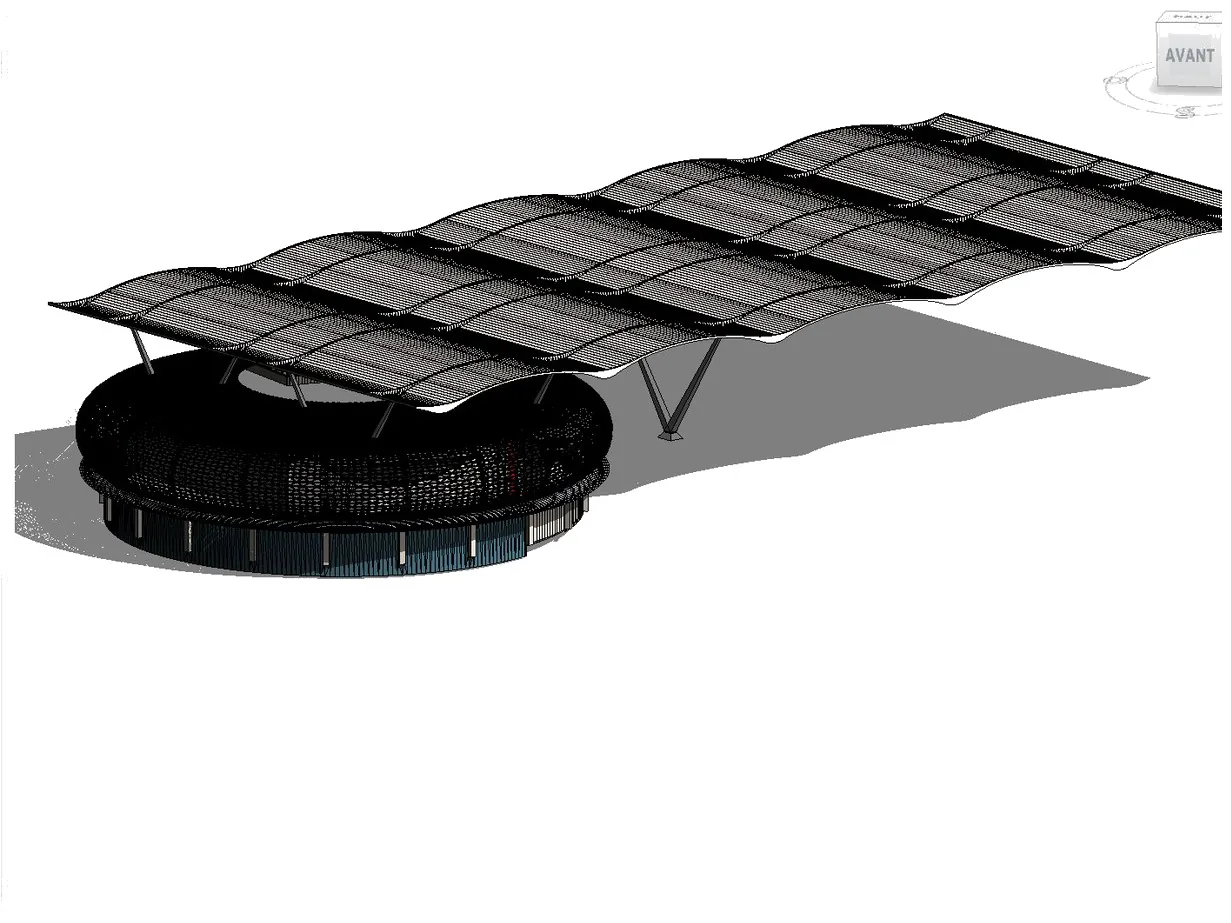
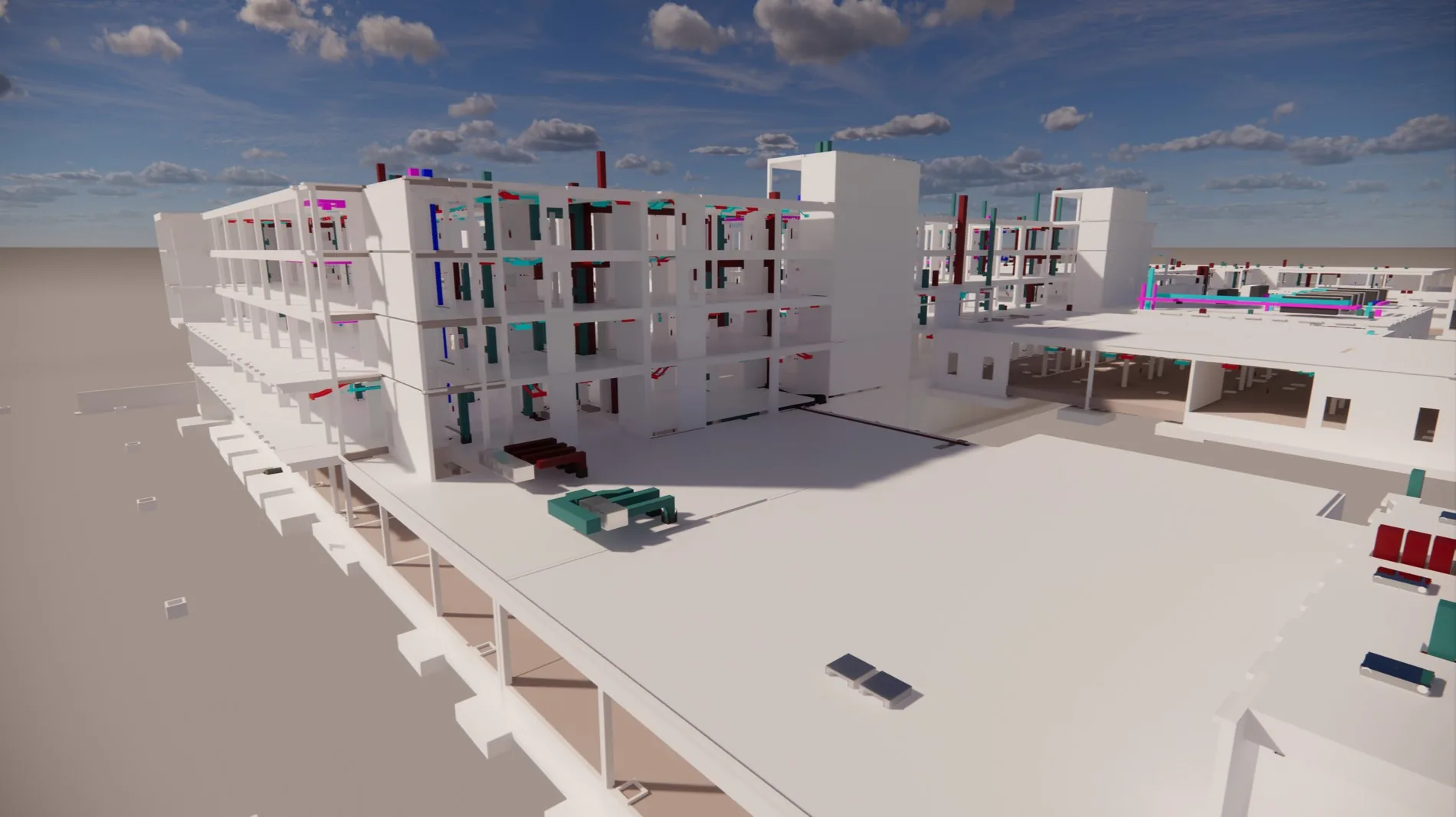
Five fields, one digital model. Each view below is a demonstration model, drawn and animated live.
Engineering firms, architects, contractors, façade specialists and BIM teams: each service answers a specific need, from the model to the custom tool.
Structural and architectural Revit models organised around the deliverables you need, including from existing drawings.
Revit plugins and commands that automate repetitive tasks and fit the way your teams work.
Methods, templates and model coordination so that every party knows what to produce, and when.
Structural design, modelling and sizing, with calculations and the BIM model kept consistent.
Reliable, well-parameterised and lightweight families, organised in libraries that are easy to use.
Dynamo scripts for Revit that extract, structure and check your quantities.
From the façade model to shop drawings, with coordinated façade-to-structure interfaces.
Describe it in a few lines: we will see together how to address it.
Send us a Revit task that costs you time, or an extract of a model to check. We reply with a reasoned opinion and a concrete way forward: a tool, a script or a method. No commitment.
Revit API plugins, Dynamo scripts and Autodesk cloud services: we turn repetitive Revit work into reliable commands, right in your ribbon.
[Transaction(TransactionMode.Manual)]public class NumeroterPoteaux : IExternalCommand{ public Result Execute(ExternalCommandData data, ref string message, ElementSet elements) { Document doc = data.Application.ActiveUIDocument.Document; // Tous les poteaux de la maquette, de gauche à droite var poteaux = new FilteredElementCollector(doc) .OfCategory(BuiltInCategory.OST_StructuralColumns) .WhereElementIsNotElementType() .OrderBy(p => ((LocationPoint)p.Location).Point.X); using (var t = new Transaction(doc, "Numéroter les poteaux")) { t.Start(); int n = 1; foreach (Element p in poteaux) p.get_Parameter(BuiltInParameter.ALL_MODEL_MARK) .Set($"P{n++}"); t.Commit(); } return Result.Succeeded; }}# Nœud Python de Dynamo : la même commandeimport clrclr.AddReference("RevitServices")from RevitServices.Persistence import DocumentManagerfrom RevitServices.Transactions import TransactionManagerclr.AddReference("RevitAPI")from Autodesk.Revit.DB import * doc = DocumentManager.Instance.CurrentDBDocumentpoteaux = (FilteredElementCollector(doc) .OfCategory(BuiltInCategory.OST_StructuralColumns) .WhereElementIsNotElementType()) TransactionManager.Instance.EnsureInTransaction(doc)rang = sorted(poteaux, key=lambda p: p.Location.Point.X)for n, p in enumerate(rang, 1): p.get_Parameter(BuiltInParameter.ALL_MODEL_MARK).Set("P{}".format(n))TransactionManager.Instance.TransactionTaskDone()OUT = rangCommand completed: 12 columns numbered, P1 to P12
Read · check · transaction · result
Tools
Revit, Navisworks, Robot, Dynamo and Autodesk Construction Cloud: one workflow, from the model to analysis and custom plugins.
Autodesk, Revit, Navisworks, Robot and Autodesk Construction Cloud are registered trademarks or trademarks of Autodesk, Inc. Dynamo is an Autodesk project. The badges are redrawn by CaliBim, which is not affiliated with Autodesk.
 Published on the Autodesk Marketplace
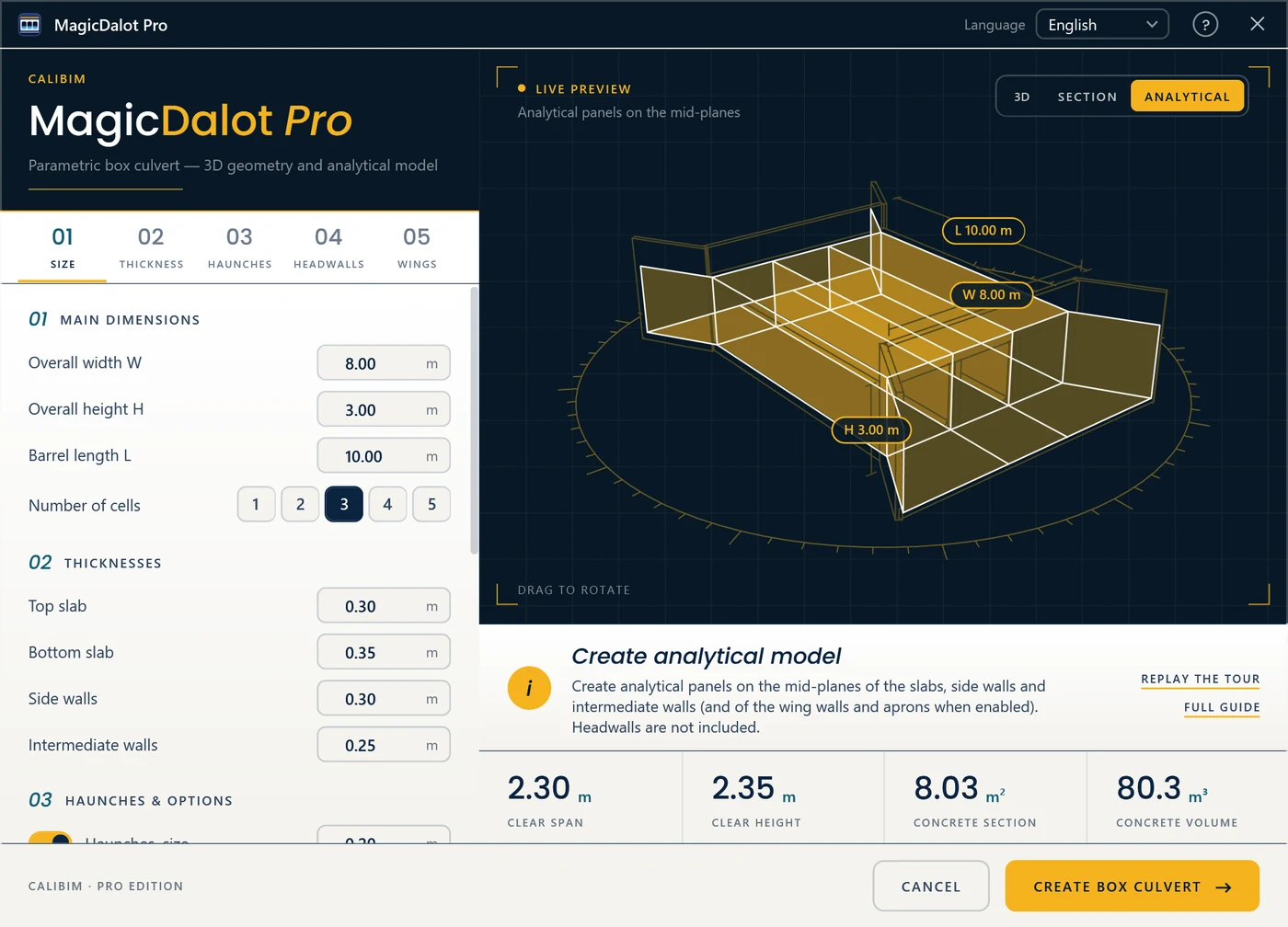
MagicDalot models the complete geometry of a reinforced-concrete box culvert inside Autodesk Revit: cells, haunches, headwalls, wing walls and aprons. With MagicDalot Pro, it also generates the analytical model, the starting point for structural analysis. The result is one coherent structure rather than a set of disconnected solids.
A stadium, a campus, a station, a hospital: projects we contributed to, from the Revit model to BIM coordination.

We review the project, the available documents and what you really expect from the assignment.
Together we set the scope, the deliverables, the working conventions and the schedule.
We work in stages, with regular check-points to validate progress and adjust where needed.
Every deliverable is checked before hand-over, then delivered with what it takes to use it.
Tell us what you need: we will get back to you to discuss it.